Javascript file need to be available on internet before it can be consumed by authorized websites (or even unauthorized one depending on the configuration/permission).
One of the common strategy to host javascript file is through CDN(content delivery network) as the script will be served on the nearest server relative to the user/client location.
When client accessing CDN, the server will route the request to nearest available CDN server to serve the javascript files, resulting in faster page load.
— Researcher found out that, user will close the browser if the website is not loaded in the next 3 second.
CDN will definitely help to met these criteria to ensure good user retention and increase the chance to get a new potential user (leads).
Upload javascript file to Cloudflare
Cloudflare is one of the major player on CDN business. According to the wikipedia, almost 21~25% website worldwide is hosted on top of cloudflare!.
Cloudflare should have no issue or risk in terms of performance and scalability.
Register & Login
go to following links to login or creating cloud flare accounts
https://dash.cloudflare.com/login
once logged in, an extensive dashboard will be shown.
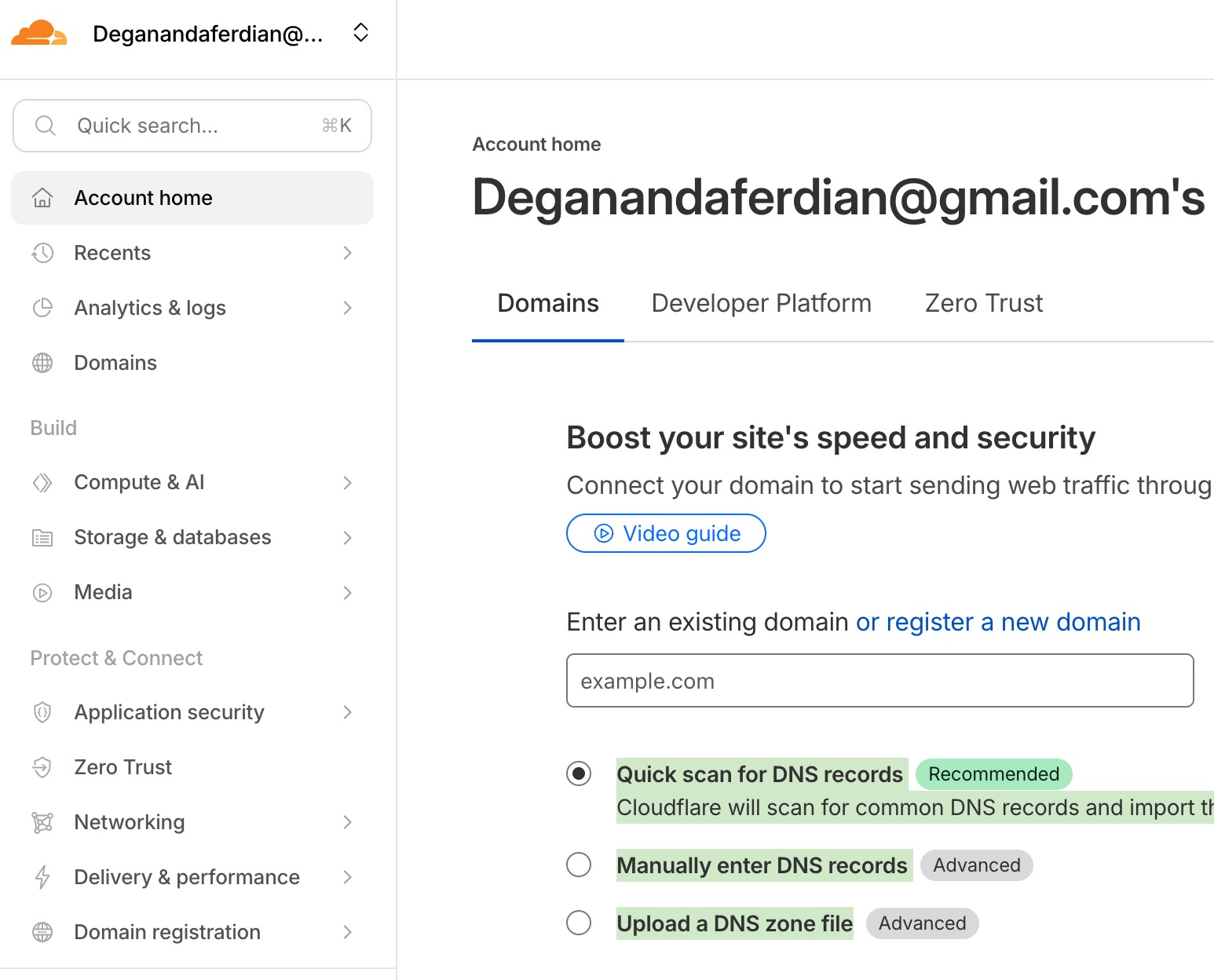 cloudflare dashboard is shown after logged in using cloudflare account
there are various services that are offered by cloudflare, for hosting javascript files into cloudfloure’s CDN (Content delivery network) choose the worker and pages services.
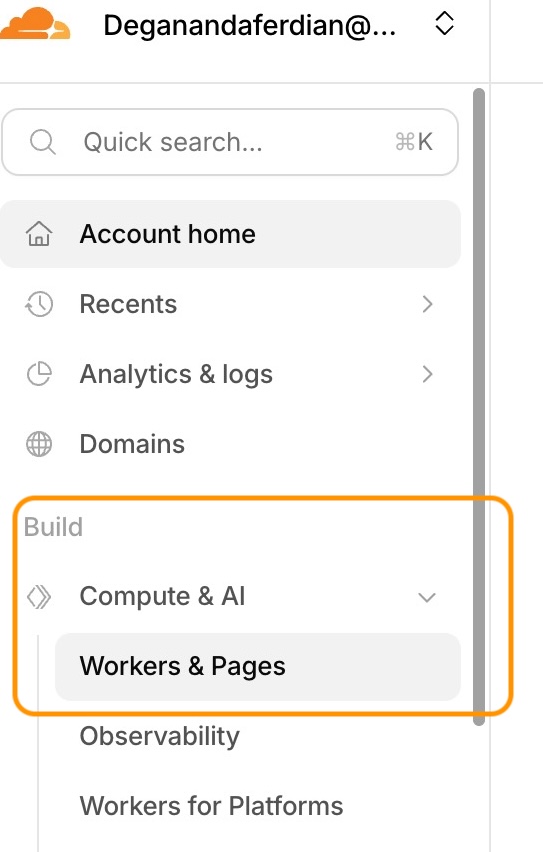 access worker and page services to host javascript file on CDN
these services can be accessed through these dropdown path: build -> compute & AI -> work & pages
Upload to the worker & pages services
Cloudflae worker and pages are object storage but served solely for static file hosting including html, javascript, css/stylesheet, images, font, textfile and csv.
— basically any file that can be rendered on website can be uploaded.
if the files can’t be rendered on page, cloudflare worker and pages will serve it as downloadable files.
go to worker and pages and create application and choose static files.
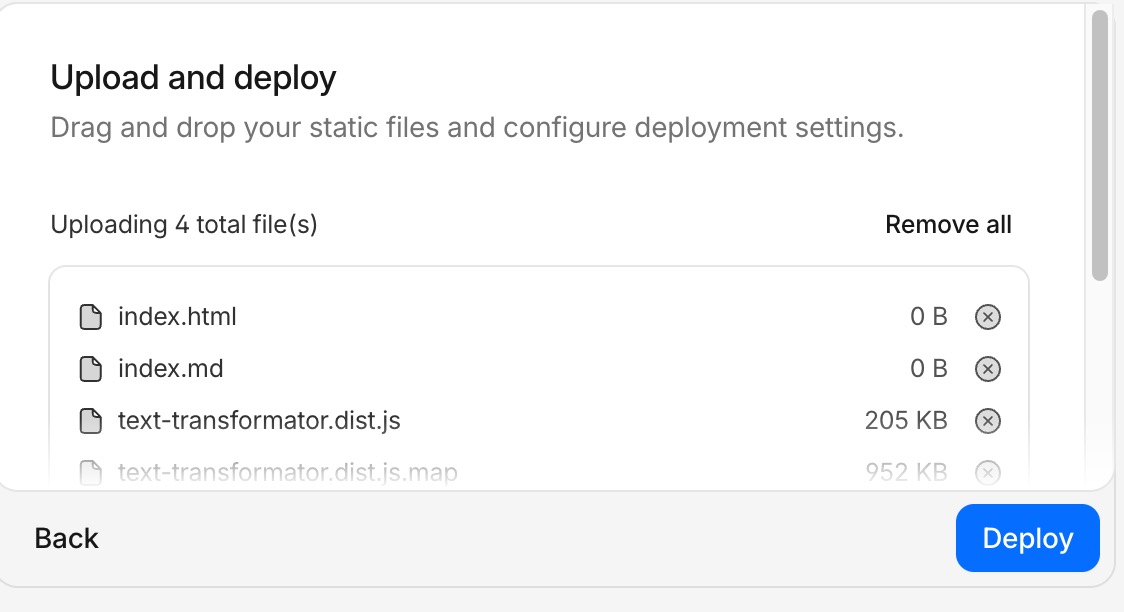 choose file or folder that will be uploaded to the cloudflare worker and page
dont forget to add blank index.html, otherwise cloudflare will think that static files (in this case is bundled javascrpt file) require building process and need to be integrated through proper CI/CD.
note that for this article, manual file upload will be choosen. However, integration to github or other repository for CI/CD automation is also supported by cloudflare.
if the upload success, a new deployment data will be shown on the dashboard
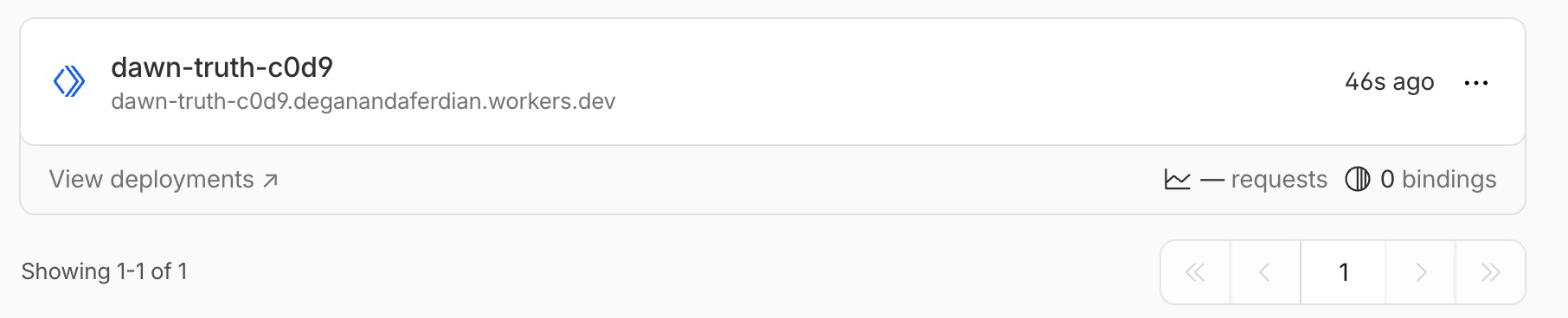 successfully upload javascript files on cloudflare CDN or worker and page
Test to access the newly deployed javascript files on CDN
on the worker and pages dashboard, the url to access the script will be shown.
for example:
dawn-truth-c0d9.deganandaferdian.workers.dev
add the file path and try to access it, for example:
https://dawn-truth-c0d9.deganandaferdian.workers.dev/text-transformator.dist.js
open it through browser and it should return the full text of the javascript.
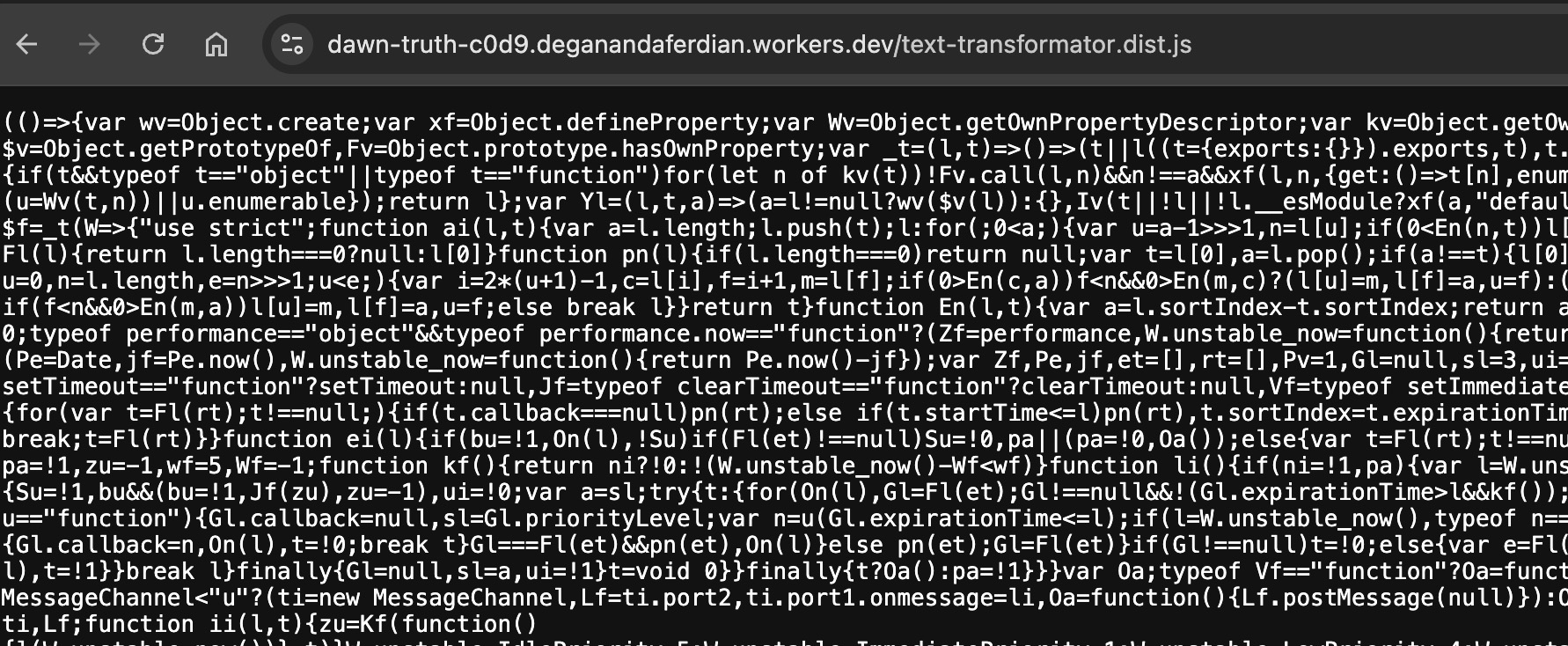 Fully accessible javascript file through browser HTTP GET
Test access from localhost
create an index.html page on the local machine and try to call or import the script.
CORS configuration is not needed at this point as cloudflare will ensure the script is publicly available by default.
for example:
<!DOCTYPE html>
<html>
<head>
    <meta charset="utf-8" />
    <title>Text Transformer</title>
    <link rel="stylesheet" href="./style.css">
    <link rel="stylesheet" href="https://cdnjs.cloudflare.com/ajax/libs/font-awesome/4.7.0/css/font-awesome.min.css">
</head>

<body>
    <script src="https://dawn-truth-c0d9.deganandaferdian.workers.dev/text-transformator.dist.js"></script>
</body>
</html>
open the index.html on browser (might require webserver, depending on the scenario/project scope)
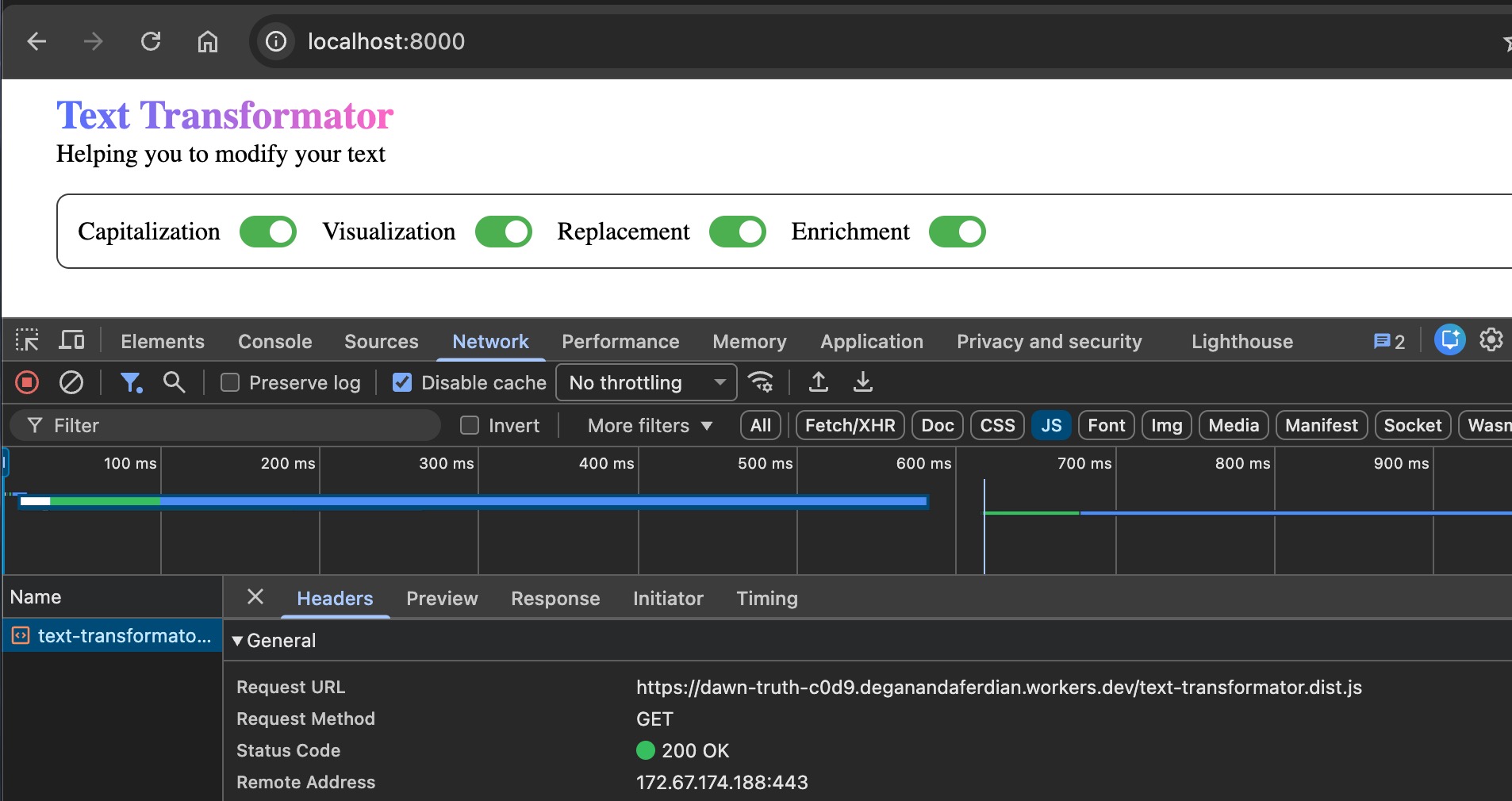
the index.html now should be properly served using javascript file that was hosted on the cloudflare.