Unintended Git Merge Can Happened Despite Good CI/CD Procedure
Wrong merge can cause catastrophic implication on the application functionality especially if the unwanted changes is affecting the production environment. Those incidents ideally never happened with proper deployment procedures. Every commit must be reviewed thoroughly by both tech lead and developer. Furthermore, before the commit merged into released branch, it should also undergo unit testing on the development pipeline.
However, any plans can go wrong especially if its triggered by human error eventhough the deployment SOP(standard operating procedure) has been built to perfection. Because in the end human is the one who execute the SOP.
Ideal Resolution: Rollback the application artifact
The best remediation is to rollback the deployed artifact into previous stable version. For example, the unintended commit merged into artifact version 1.0.5, then, the situation can be quickly resolved by downgrading the artifact into previous stable version (eg: 1.0.4) from the artifact/module repositories. Git operation might not be needed and the solution can be applied quickly without the needs of developer involvement.
However, not all software is shipped using modular approaches where all the libraries are packaged into artifact before it can be rolled out into the release environment as the approach is adding more effort and diligent to maintain all the module. Some team might decide to not use the modular approach to save development time and sacrificing the interoperability.
The Remediation: Rollback to previous commit
Fortunately, git is designed to have rollback mechanism. Git can switch the latest commit with previous commit as long as the commit still exist on the repository history.
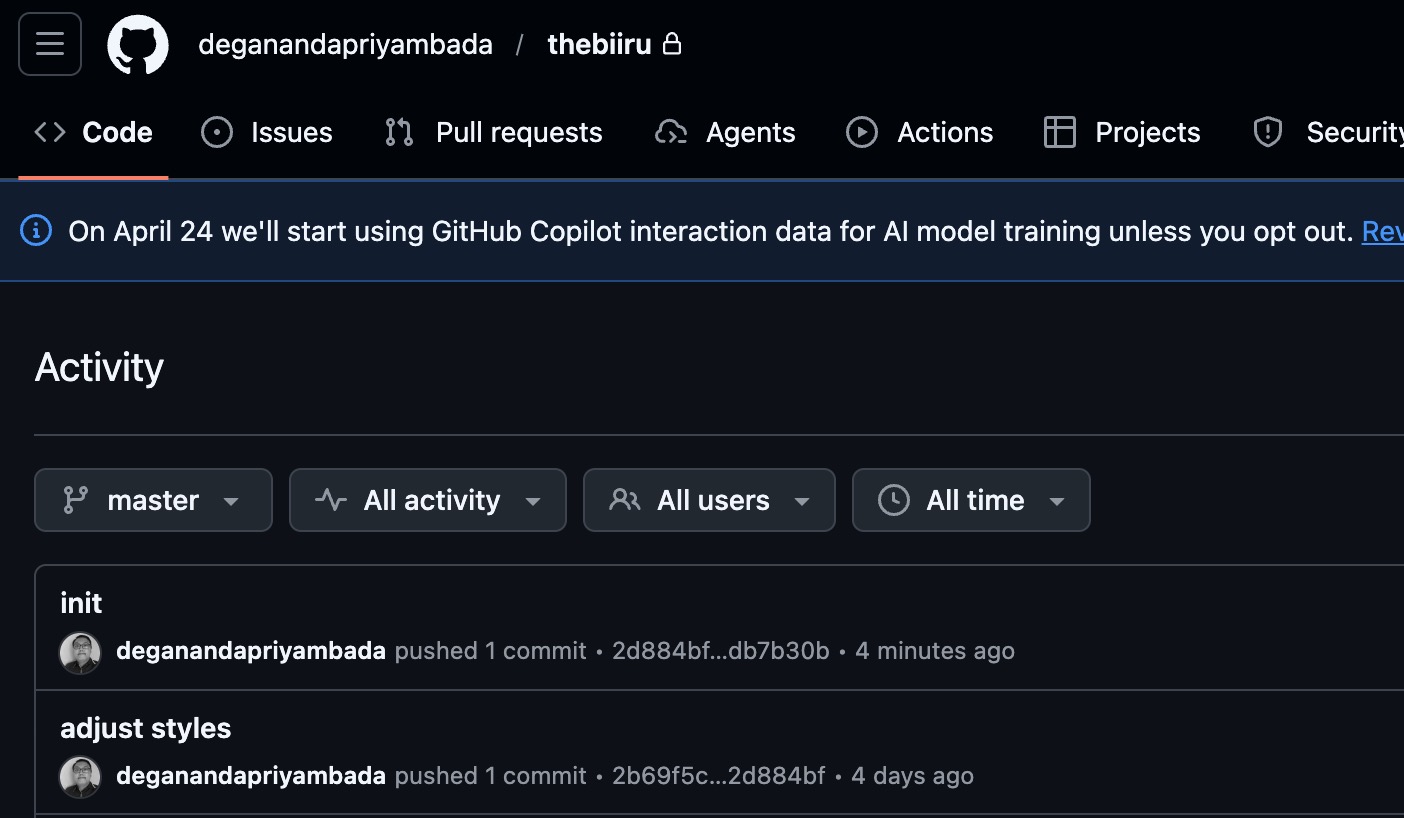
For example, based on image above, the “init” (2d2884bf) commit above was unitentionally merged to the master branch.
Maser branch can be pointed to previous “stable” / “no-error” commit. On this case is the “adjust style commit” (2b69f5c).
Below are the steps by steps to repoint the master branch to previous commit.
go to the master branch (or the target branch that will be rolled back into previous commit)
git checkout master
set the reset hard command into target stable commit (in this case is 2b69f5c)
git reset --hard 2b69f5c
force push to the master branch
git push origin master --force
and its done. Now the master branch is repointed back to previous commit.
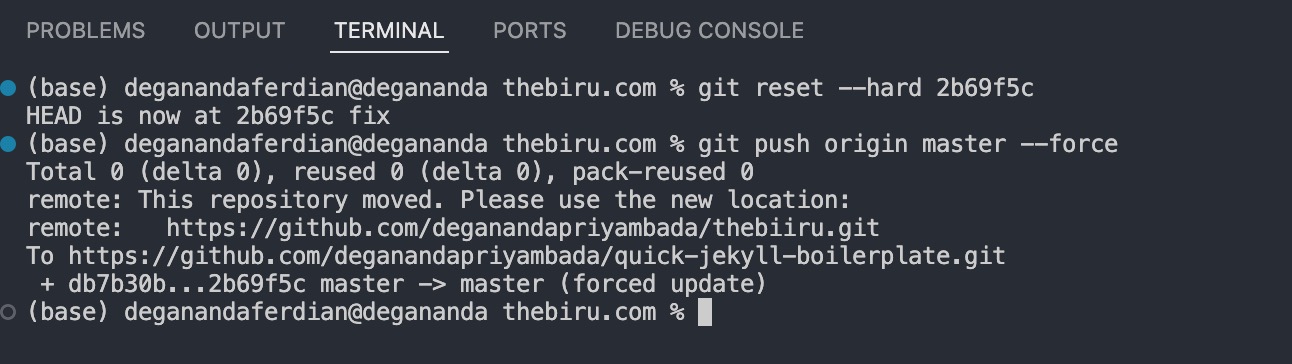
as shown on image above, new commit called “fix” is made by negating the latest commit (2d2884bf) and reapplying the change made on the 2b69f5c commit.
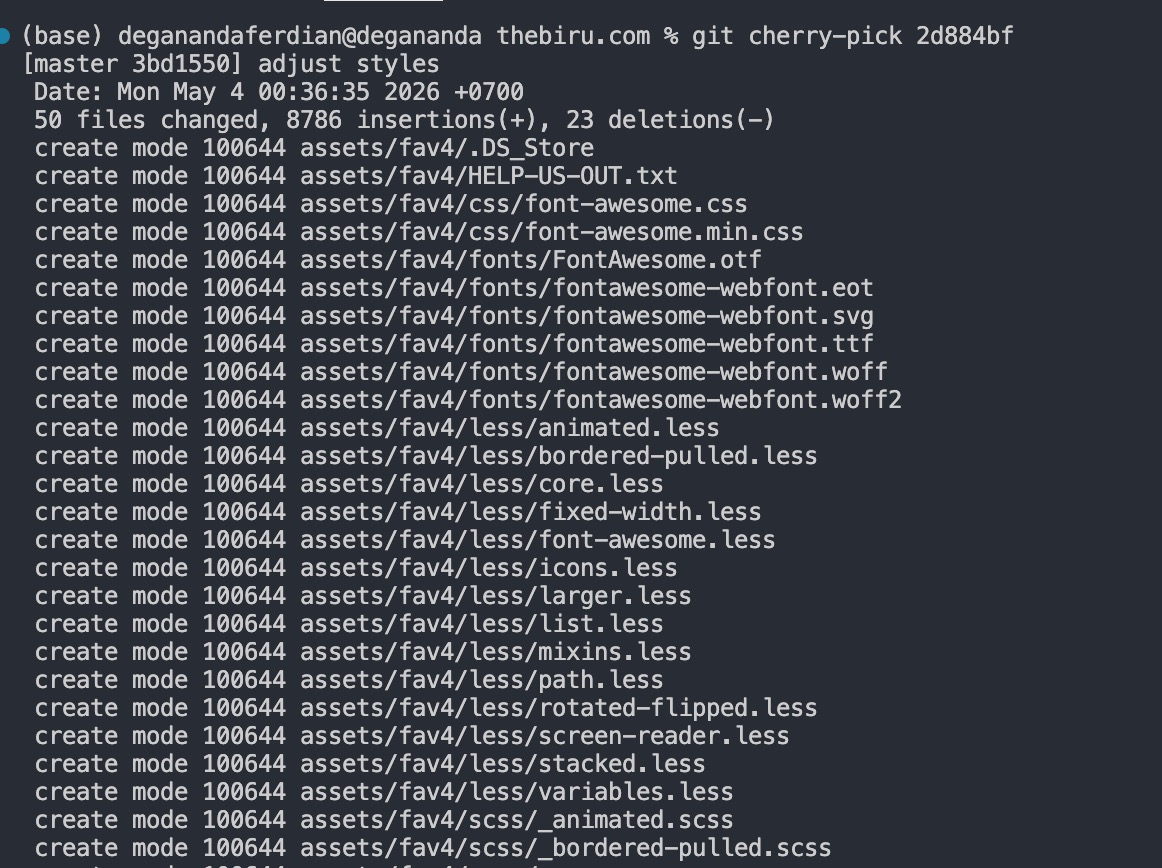
but in this cases, one commit is left behind, which is 2d884bf, cherry pick can be used to reapply 2d884bf commit
git cherry-pick 2d884bf
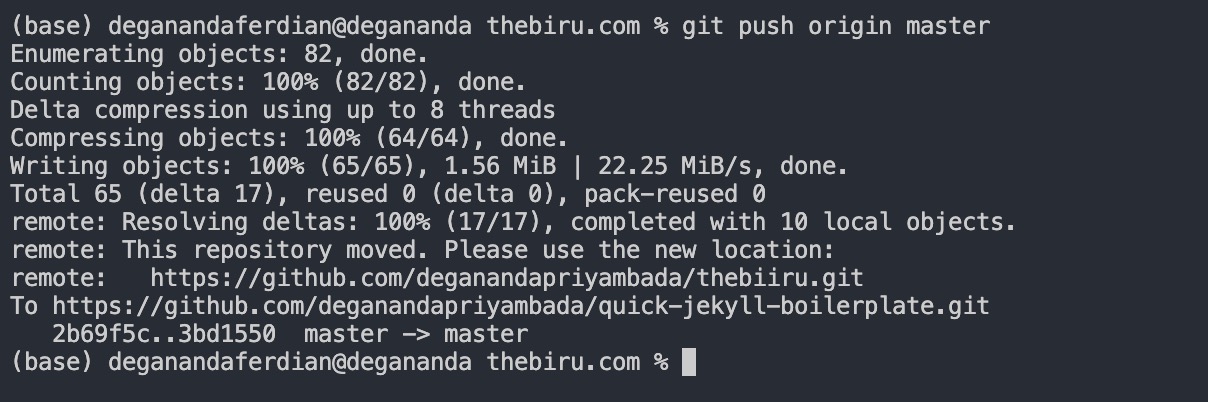 rollback to following commit 2d884bf
then push to the remote master branch
git push origin master
its now aligned perfectly.
 successfully rollback to specific commit before the unintended merge incident is occured
Hence, if something goes wrong on the codebase during deployment, dont be panic. there is a solution to rollback eventhough the application package/artifact is not available.
Note: it is still recommended to package the software/application as it more seamless for this kind of operation (rollback/upversion/multi-versioning/etc). Git rollback is the last resort.