What is AWS IoT Core
AWS IoT Core is managed gateway for internet of things communiations that support several protocols such as HTTP, MQTT and AMQP. AWS IoT core support both D2C (device to cloud) and C2D (cloud to devices or alos known as send command) scenario because IoT core is also providing SDK (software development kit) to allow IoT engineer to interact with IoT core services from provisioning, security, send or receive command and updating firmware.
As a central hub between physical hardware and AWS analytics component, IoT core has following features
Message Broker: Built in MQTT broker for UNS (unified namespaces) operations to allow multiple subscriber interacting with realtime sensor or telemtry data.
Cloud Gateway: Allow field devices to send the tags or telemtry data using HTTP, MQTT or AMQP
Edge Gateway: IoT Core can be integrated with AWS greengrass (edge runtime) to enrich the protocol support, especially OT protocl such as OPC-UA, Modbus and others (can be customized to accepted any protocol because greengrass is code framework, not a managed services)
Rule engine: Evaluate incoming tags data using SQL like syntax to allow message filtering (for example: reject malformated data, only accept tags with certain threshold)
Devices Shadow: Contextualize and enrich incoming tags data with the asset information (for example: store and enrich the equipment number of particular telemetry)
Devices Management: Manage end to end devices provisioning life cycle from registration, certificate management for each devices or devices group and connection management Security Management: flawless built-in security layer including devices policies, x509 certificate and TLS
Steps to Provision IoT Gateway on AWS using IoT Core
Below are the steps to provision aws iot core
login to the aws console
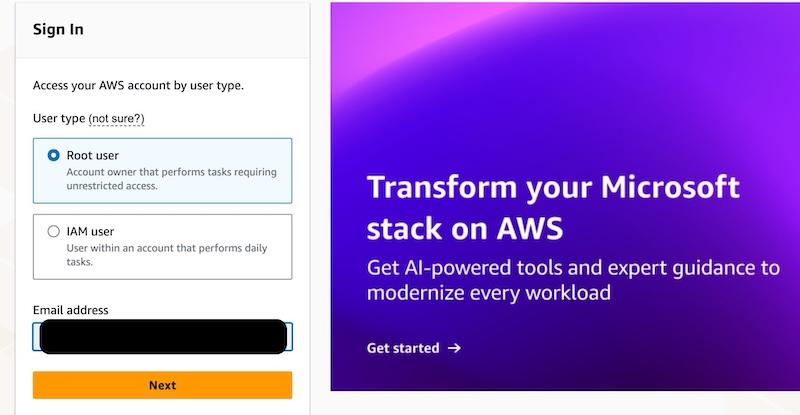
login to the AWS console by accessing following links
https://signin.aws.amazon.com/
or create new account account if not yet registered.
once login is successful, the page will be redirected to the aws dashboard.
on the search page, search for “iot core”
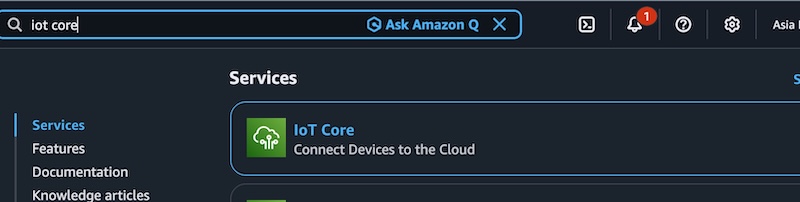 Search for the iotcore services
click on the iot core dropdown menu.
dont forget to choose the server region to ensure the lowest latency possible which is measured based on the IoT devices location.
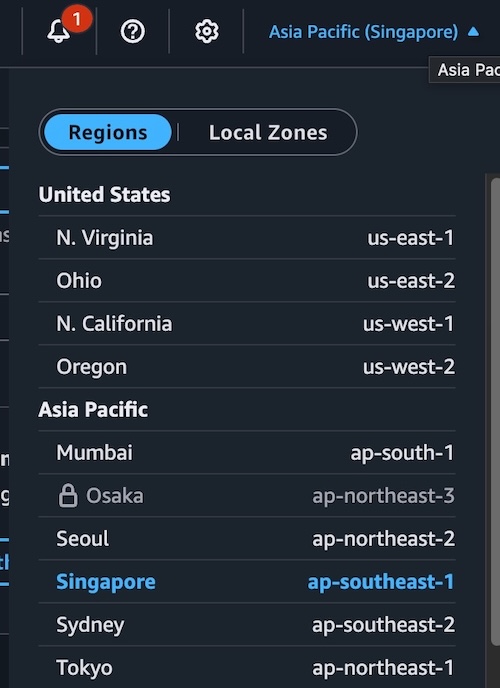 Choose the nearest available aws cloud region from your field devices location
Create thing group
next step is to create the thing group. Click on the “create thing group”
choose static thing group as we wanted to assign or de-assign the things to things group manually not by query.
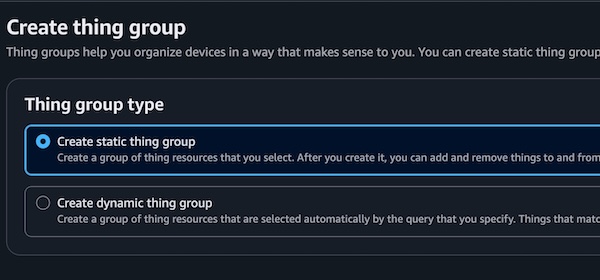
things group is basically the logical grouping for the devices which depending on the use cases.
On fleet maangement systen, the devices is usually grouped per fleet name. Hence the things group should be named as the fleet name.
input the thing group name
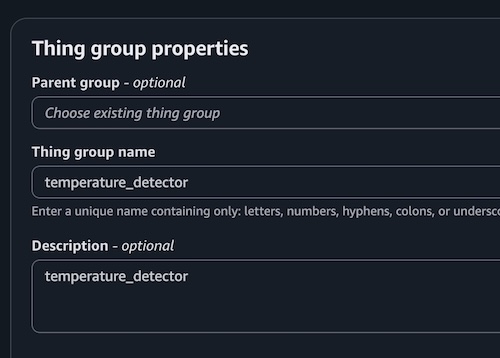
if the thing group creation is success, the thing group name will be listed under the thing groups list.
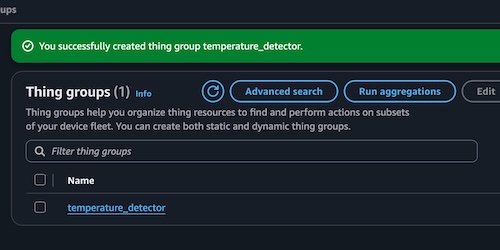 Things group creation process is succeed
Register device / thing
on the AWS IoT menu, choose “things” sub-menu under the “All devices” menu
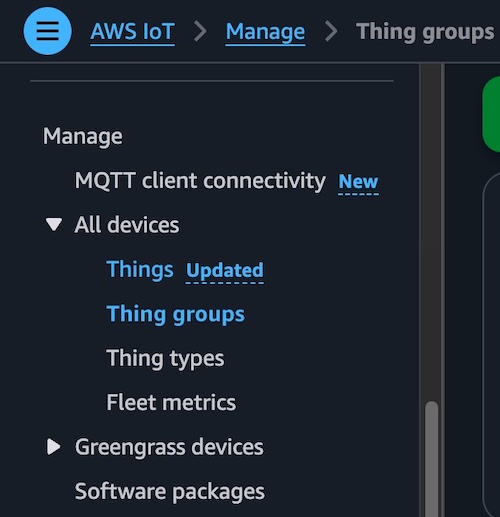 Select things menu on the aws console sidebar
then click on the create things button
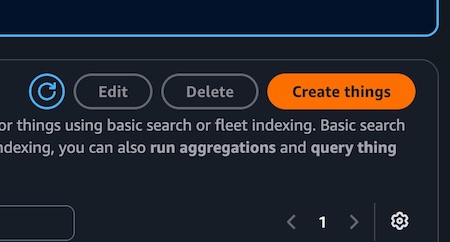 Create things button located on the top right of the screen
choose create single thing
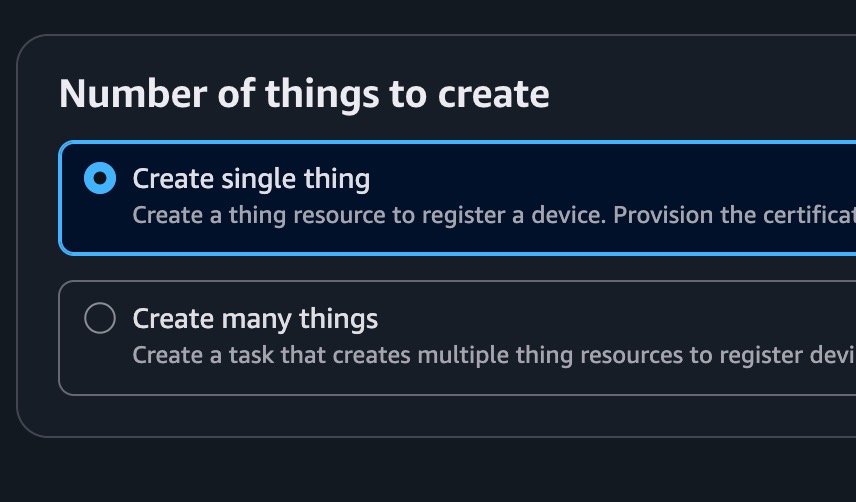 Choose create single thing if you want to register single devices
input the thing name. Usually its the devices identifier. On fleet management cases, the name should be the devices IMEI or the VIN (vehicle identification number)
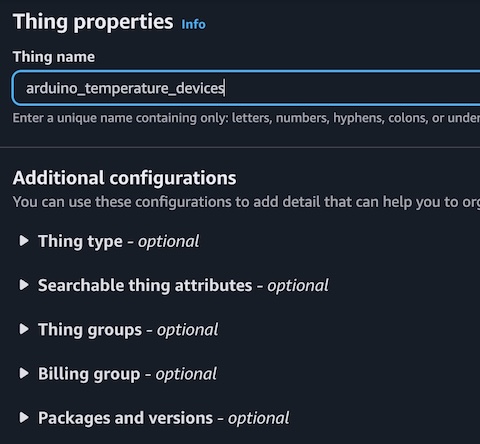
choose the thing group
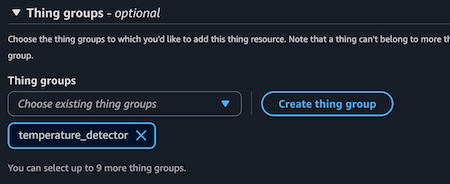 (Optional) assign the things to existing things group
leave the others configuration as default for now (eg: no devices shadow)
skip both certificates and policy configuration. it will be configured on the next article and click create thing button
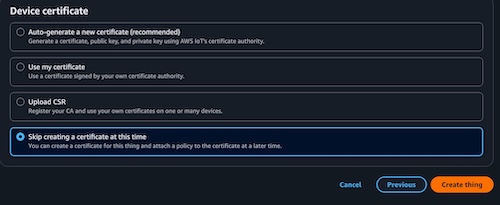 Skip certificate creation process, we can do it later on
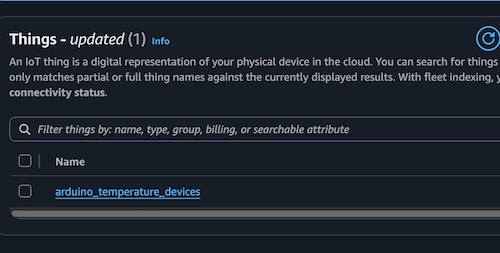
if the thing creation is success, then the device name or thing name should appear under the things list page