Jekyll is a Famous Framework to Generate SSG
Jekyll is one of the popular framework to create SSG (static site generation) websites especially for blog and news page with markdown (.md) as the main document. Jekyll will bundle all markdown file with other neccesary files such as images, css and compiled ruby file.
Each of page route on jekyll will have their own dedicated html file as jekyll site is static. No server side rendering means server will sent the ready to consume html directly to the client without any pre-processing. Those mechanism make static site’s rendering and loading performance is way faster than SPA (single page application) as the whole html is server immediately and can utilize the power of CDN (content delivery network) ensuring the html file server from the nearest server from client/user.
Jekyll can be deployed on various infrastructure scenario. The best practices is to deploy and host jekyll on CDN (content delivery network) such cloudflare, AWS amplify, netifly, vercal, azure static web apps and so on as jekyll site is a static html files.
Deploying Jekyll Based Blog on Vercel
go to vercel website then register and login.
https://vercel.com/
on the vercel dashboard, connect to the jekyll project repository of your choice.
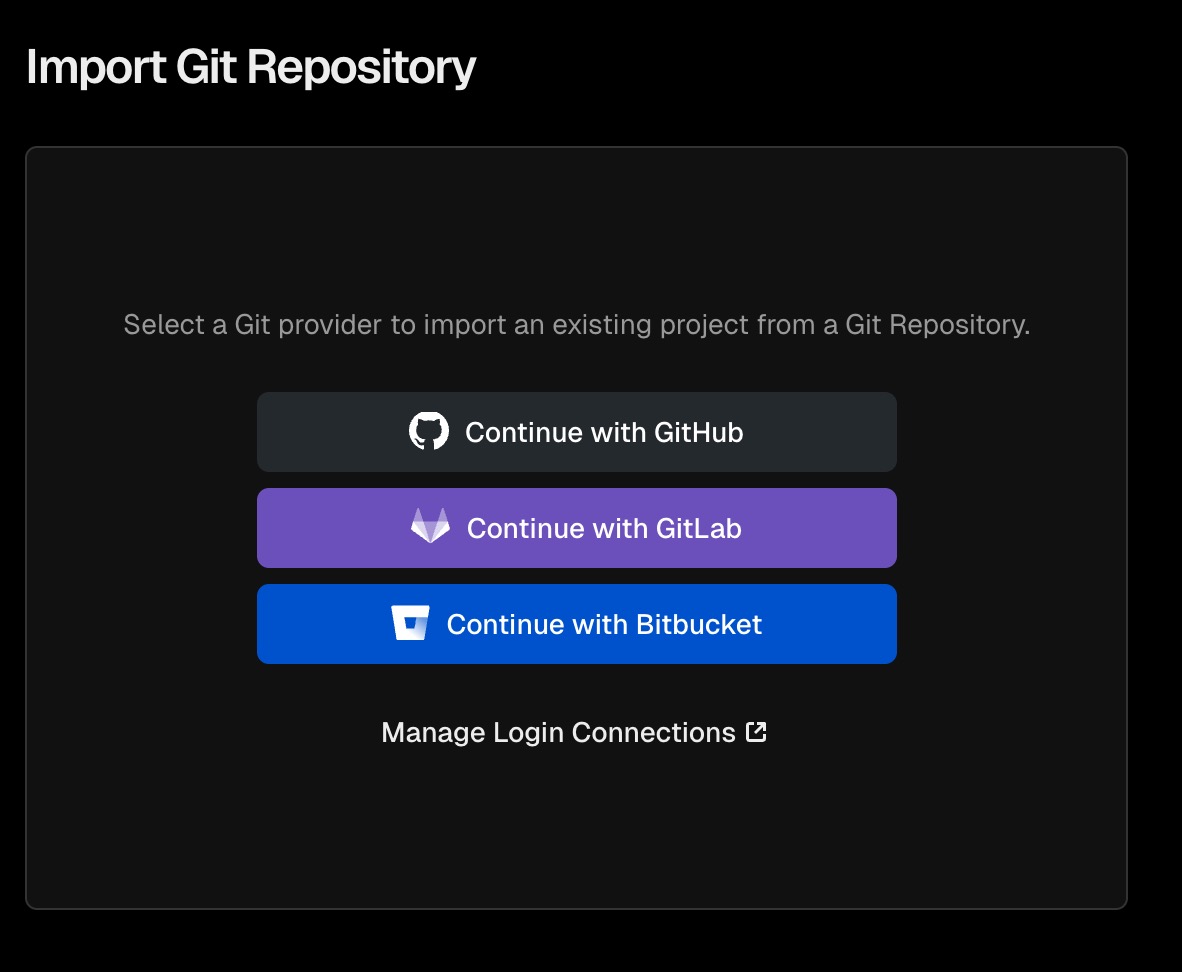
on this case github repository will be used and then click install

choose the account name
 Select the github account that has the jekyll repository
it is recommended allow specific repository. choose the jekyll project repository unless you want to integrate all of your github projects to vercal. then click install
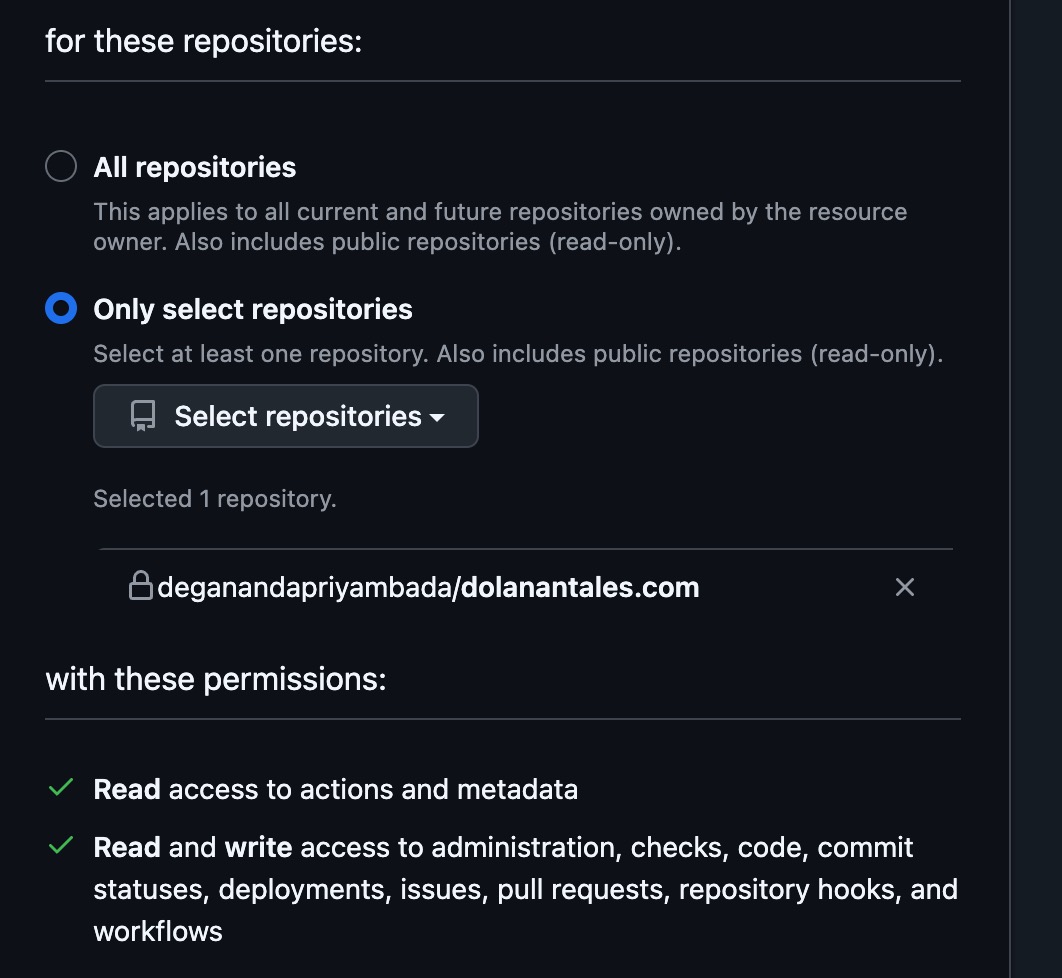 Select specific jekyll project repository
vercel will automatically detect the framework or programming language used on the repository and click import
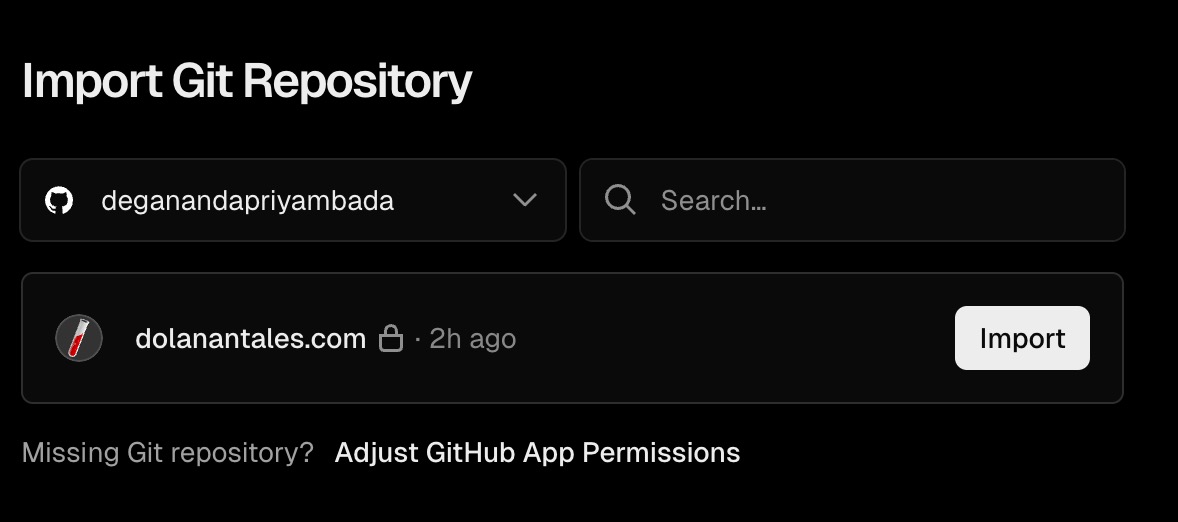 Import and integrate the repository to vercel
specify output directory
_site
specify the build command
bundle exec jekyll build
specify install command
bundle install
note: it is recommended to use bundle exec to avoid ruby dependency issues
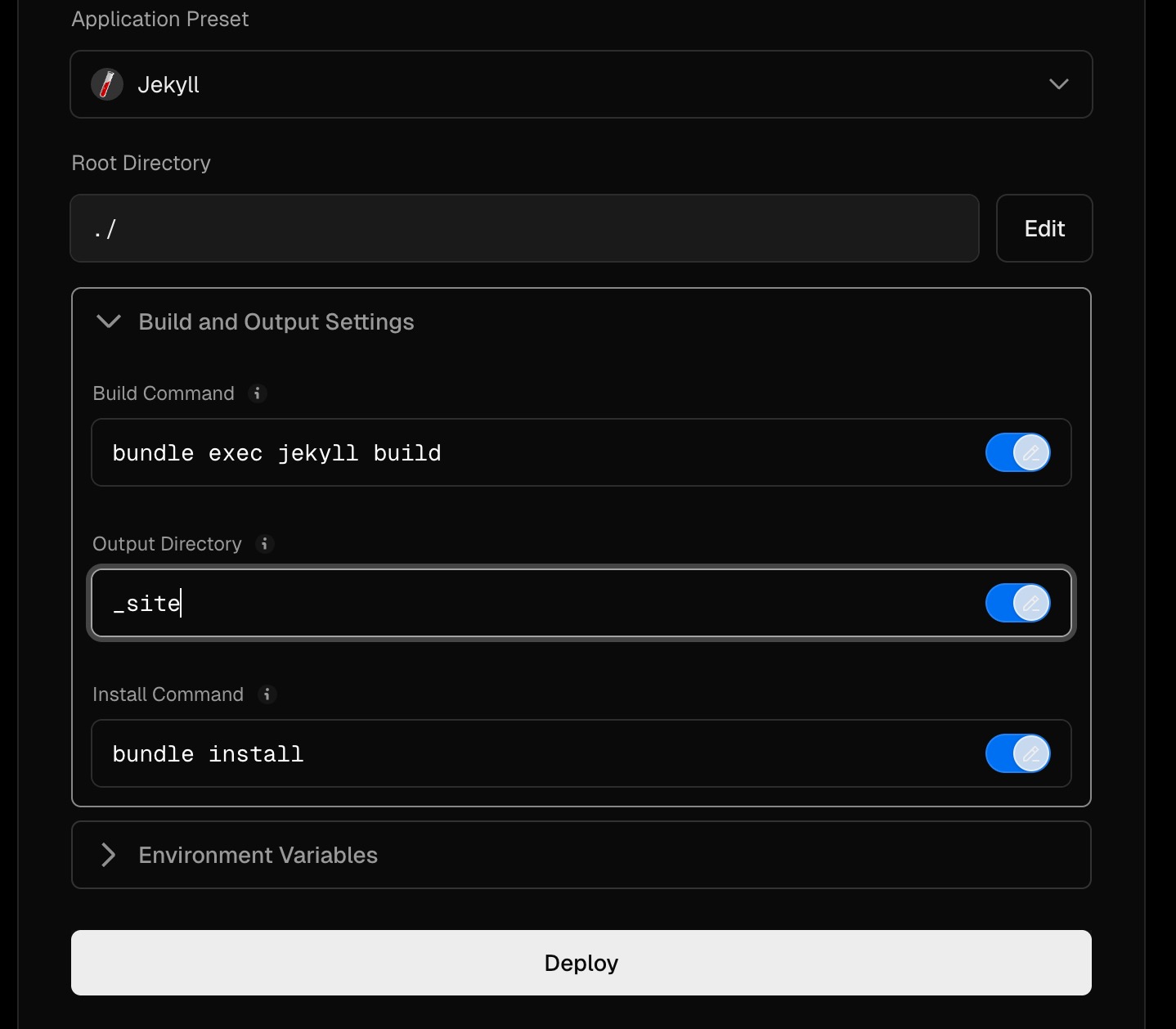 Configure the build and target output directory for deployment
once all of these three parameter has been set properly, click deploy
wait until the deployment is completed.
done. now the deployed jekyll websites can be accessed.
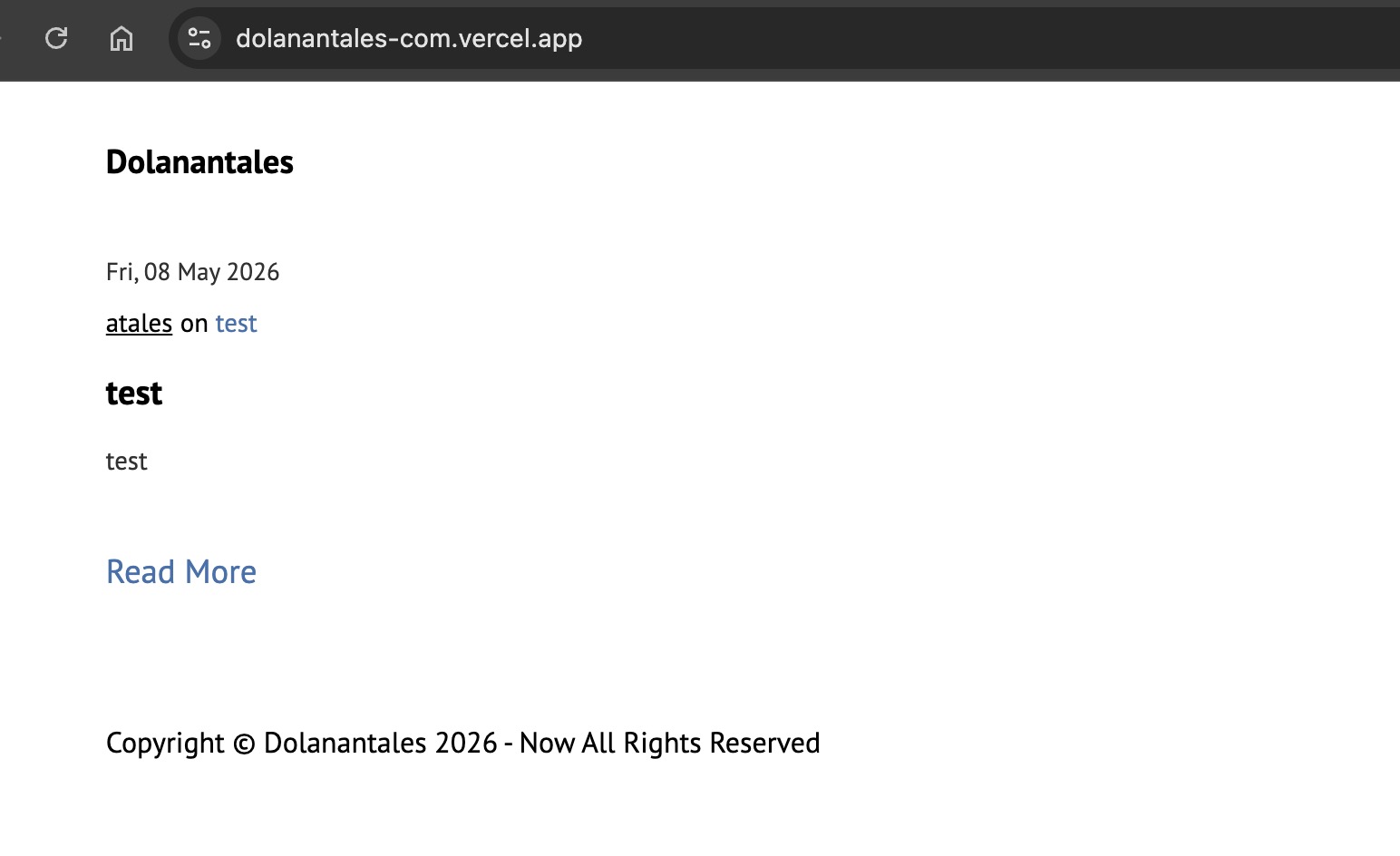 Jekyll based website is now deployed and accessible through browser
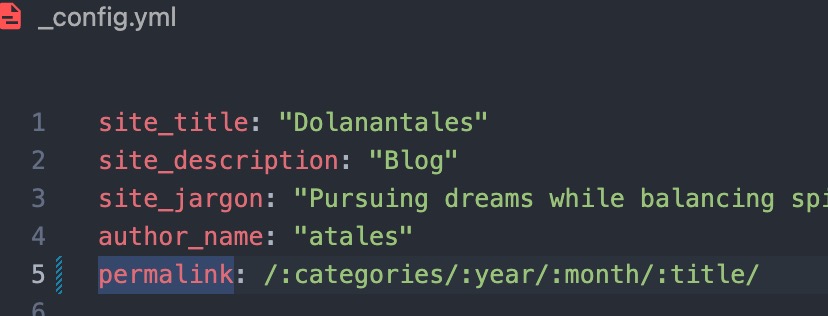
if the route pages is returnig 404 on live server but its working fine on local means the permalinks need to be updated. Vercel will not automatically detect the url rewriting. Permalink need to have slash at the end as shown below.