
Integrate Firebase SDK to Different Development Platform
Firebase realtime databases provide super low-latency (below 10ms) updates between the database server and client through persistent web socket for the synchronization process.
There are five SDK (Software development kit) that provided by firebase specifically for realtime databases such as:
- Mobile - iOS
- Mobile - Android
- Web (Javascript/Typescript/NodeJS)
- Game Platform - Unity
- Multi Platform - Flutter
Web App Integration with Firebase SDK
On the web based SDK(Software development kit), firebase offer two ways to integrate their SDK into the projects.
First, by embedding the firebase javascript library through the script tags
<script type="module">
firebase intialization & config
</script>
Generally, first method should be avoided as we cant control which module that going to be imported. Causing the javascript file size to be bloated with unnecesary firebase module. For example, if the web app will only utilize GET (read data from firebease realtime database) and SET (write data to firebase realtime database), it should only import GET and SET module.
Such scenario only possible through second approach for integration firebease SDK into the project via NPM (node package modules)
import { initializeApp } from "firebase/app";
import { getDatabase, ref, set, push, update, get, child, onValue } from "firebase/database";

const firebaseConfig = {}
Only GET and SET module and its required module dependencies are imported to the project, ensuring the javascript file size to be kept as minimal as possible.
Deploying Firebase Realtime Database Based Web App to Cloudflare
Firebase project that utilize javascript SDK has rich deployment options ranging from static file hosting such as cloudflare, AWS amplify, azure web static app and all the way up to containerized deployment on k8s.
below are the steps to deploy web-based firebase project on cloudflare.
Set Rules on the Firebase Realtime Database
By default, firebase will restrict any write or read request to the realtime database as shown on following config.
{
  "rules": {
    ".read": false,
    ".write": false
  }
}
the policy need to be adjusted so that only authorized user can read or write (ideally based on the users role) by integrating firebase realtime database with firebase authentication.
However, for the sake of this article, public access will be granted (do not immitate for actual production or even development of real project)
{
  "rules": {
    ".read": true,
    ".write": true
  }
}
now the everyone who can access the web can get and write data to firebase realtime databases as both of the read & write rules has been updated to true
Navigate and Login to cloudflare
go to following links
https://dash.cloudflare.com/login
login and registered using your prefered authentication & authorization method. Cloudflare support four authentication method including : gmail, appleID, github and username-password based.
Deploy The Web App via Worker and Pages Static Web hosting
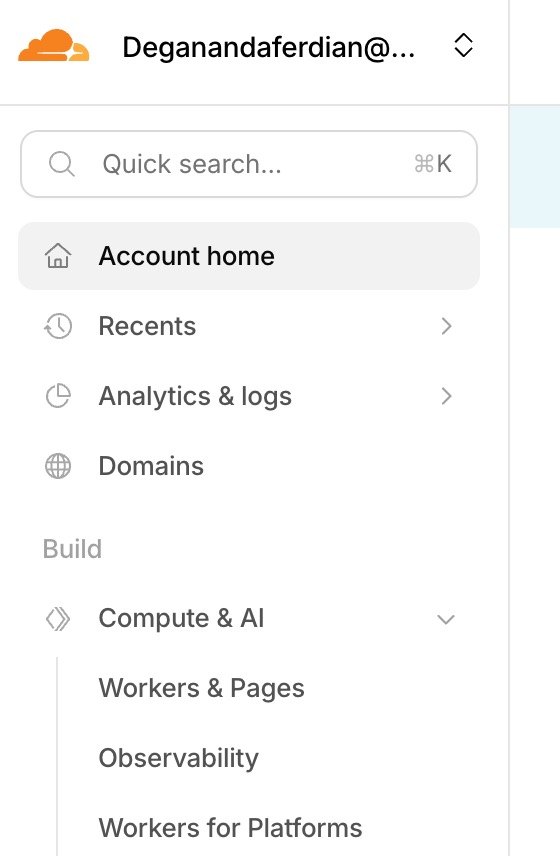
Once logged in, look for on left sidebar and find “build section” -> “Compute & AI” -> “Worker and Pages”.
Click on Create Application
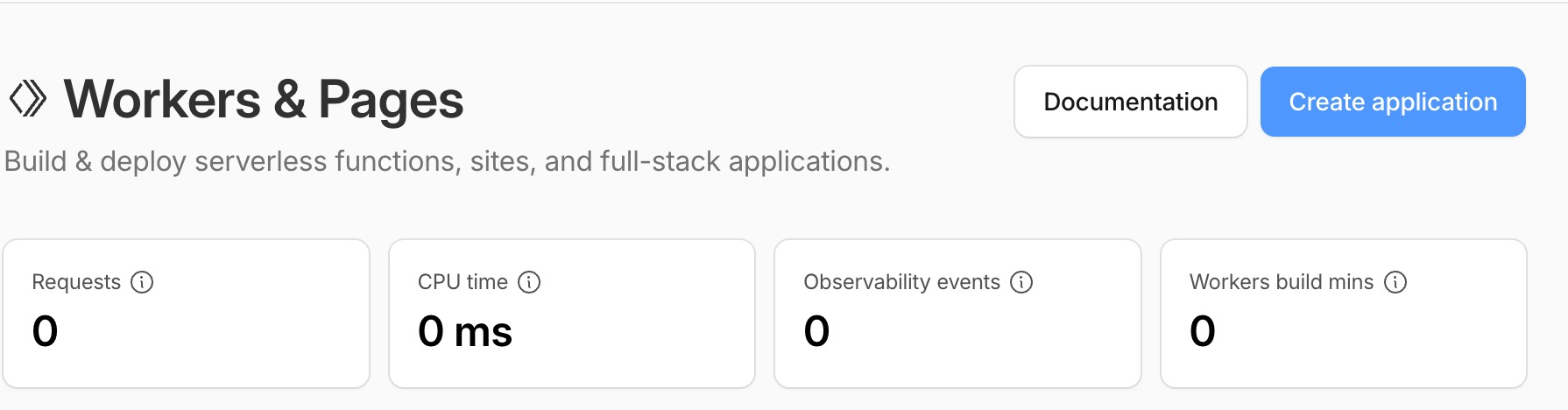 Cloudflare will later assign domain the newly created application
Cloudflare worker and pages offer two approach to upload the code. First method through manually upload the project folder. Second method is via repisotory integration with following available options: github or gitlab.
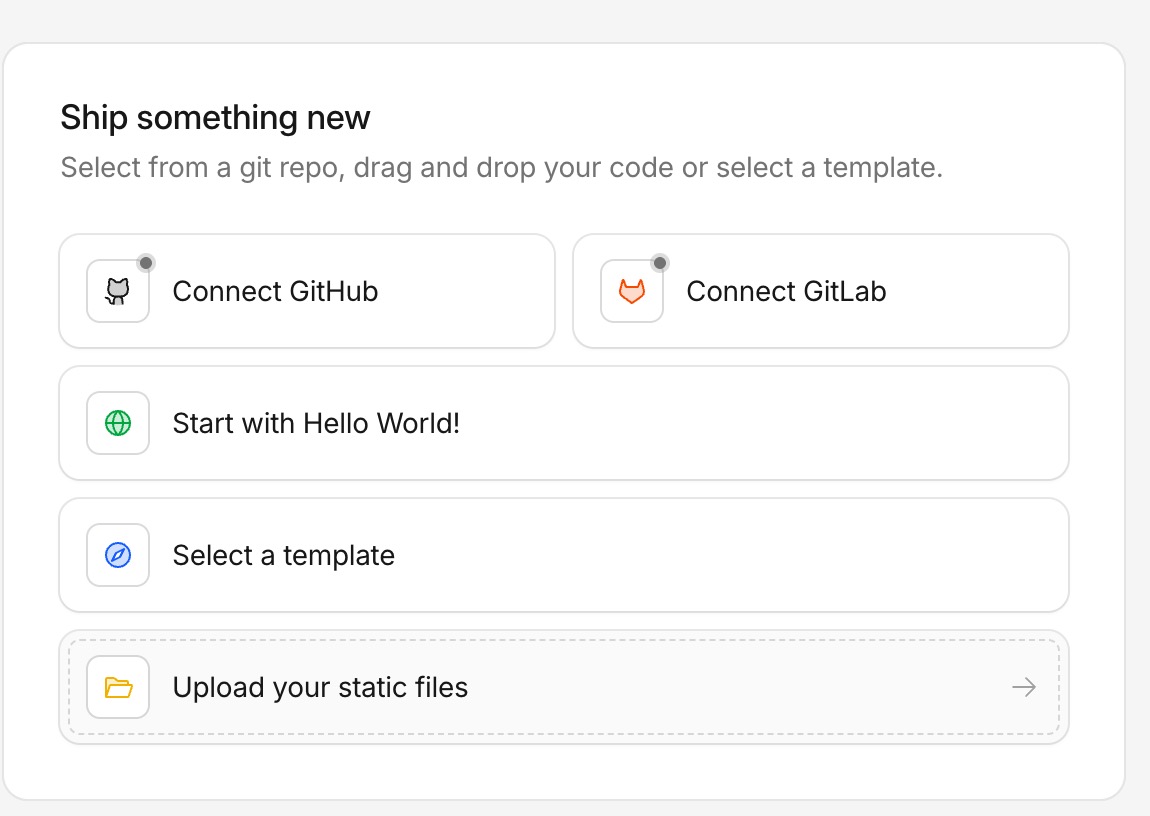 Available static files deployment options on cloudflare workers and pages
First method is generally more simpler as we just need to upload the whole minidifed javascript file, asset such as images, video as well as the html files into cloudflare. Best for quick bootstrapping or for trying cloudflare in general.
However, on production scenario, it always recommended to use CI/CD (Continuous integration/continuous deployment) pipeline that has integration with the repository.
On this case, manual static file upload will be choosen.
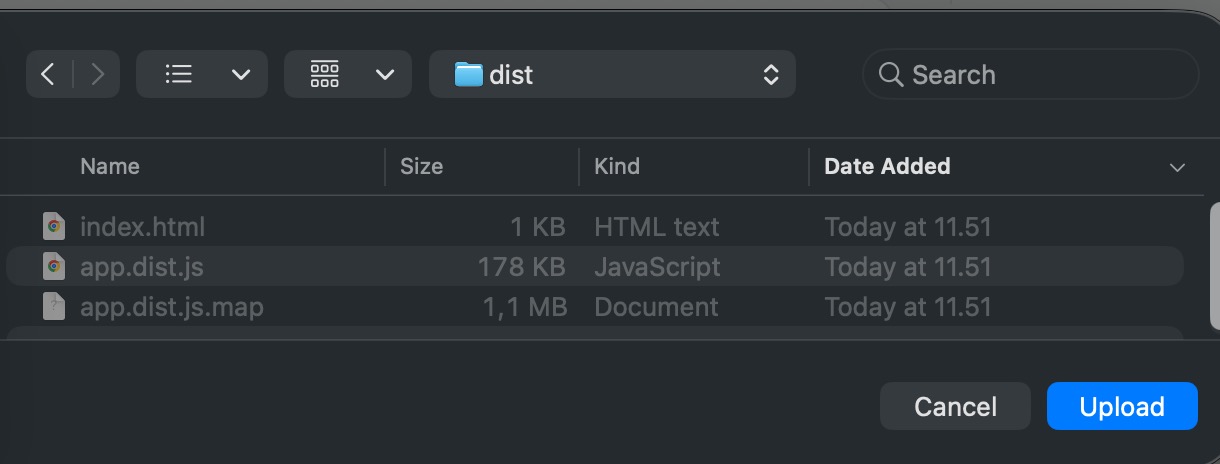
Clcik deploy & Wait until the upload process is completed
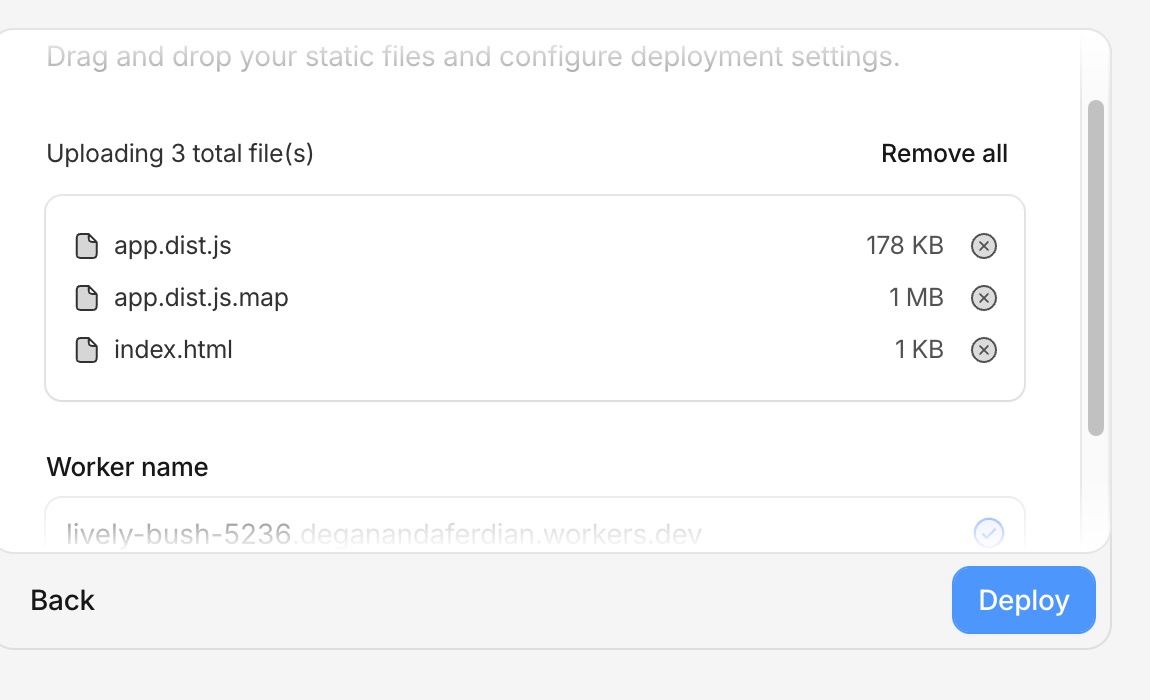 Cloudflare will upload these files into their CDN and bind it with the given domain
Done. Now the firebase based web app can be accessed from the given domain from cloudflare.
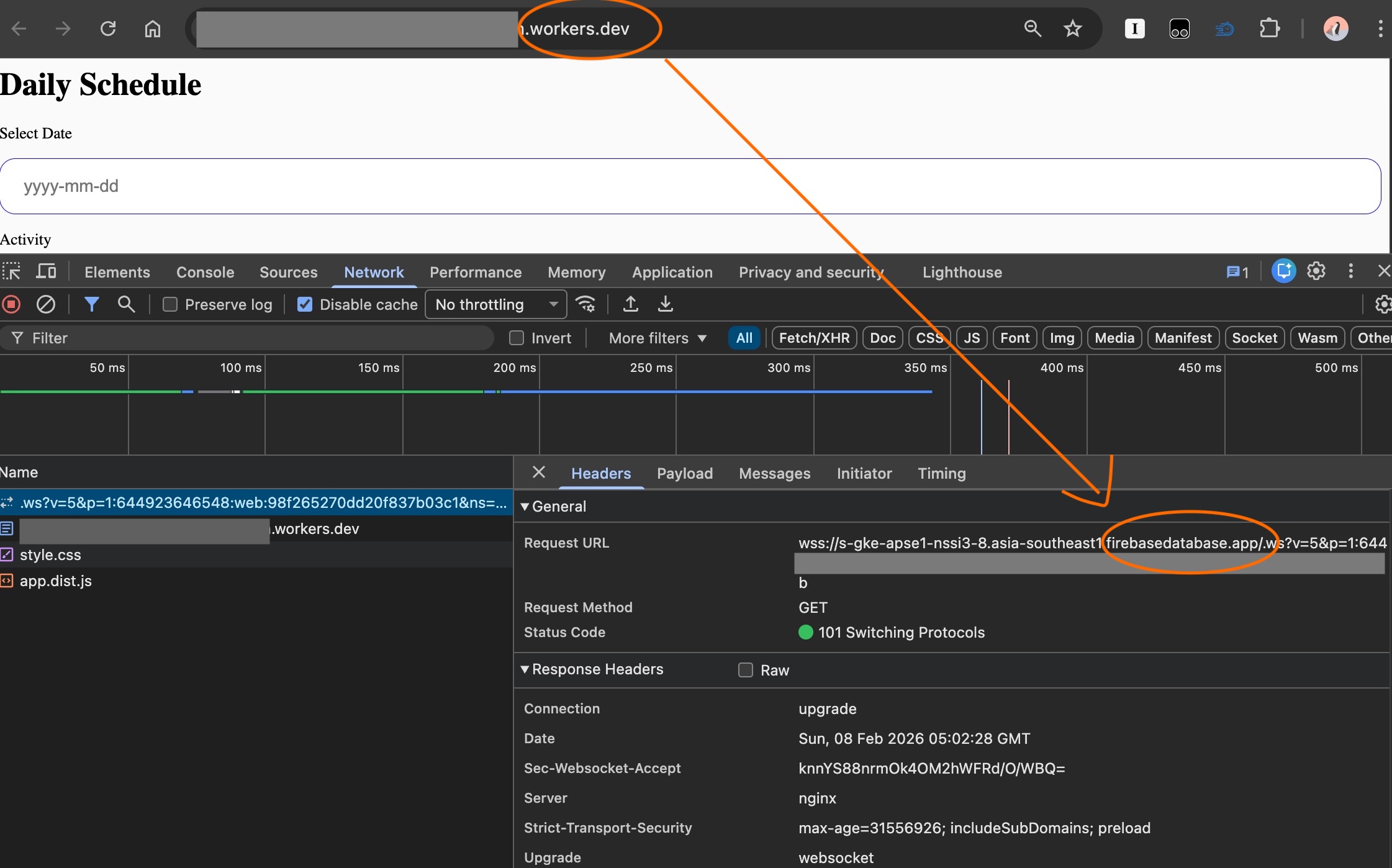
note: workers.dev is CDN domain of cloudflare.
