Data Definition Language Role on SQL and SQL
Data definition language or often called as DDL, is a script that used to define the database structure. Both SQL and nosql are used DDL to initialize their database strucutre. However, the implementaion approach are different.
On SQL, DDL is used determine the table schema while in noSQL DDL is more used to validate the schema as by default noSQL doesnt provide rigid tabular and columnar structure (schemaless) like SQL.
Below are the differences between DDL implementation on SQL vs NoSQL
| Parameter | SQL DDL | NoSQL DDL |
|---|---|---|
| Objective | Determine schema | Controlling Schema |
| Actual Implementation | 1. Determine list of table 2. Determine column on each Table 3. Determine table primary key, index, relationship 4. Determine referential integrity 5. Determine column/attribute data type 6. Determine database name |
1. Enforce schema validation Business rule for example: certain field must be filled on the collections. 2. Index/Partition key creation 3. Determine list of collections 4. Determine namespace |
Despite the differences, DDL is still golden standard on noSQL implementation practices.
Key Rule on Creating DDL
The most foundational rule when writing DDL script is to ensure that the DDL can be executed at any stages of the development or operations because DDL is a database scehma initilization or re-initialization process.
Generally below is the key business rules of DDL
- it must re-generate the schema from scratch
- existing table (including the indexes, referential integrity and other table configuration) or collection must be dropped before the initilization (if the schema is changing)
- if the table or collection already exist, it must be truncated.
the rule might looks harsh as it enforce truncate and collection/database dropping, but DDL main objectives is to initialize the schema.
Altering existing schema or collections can be done using database migration script.
However, depending on the organization, the actual usage and rule of DDL might be different. There are organization that doesn’t stricly enforce the drop statement.
Formatting DDL Script on PostgreSQL
Based on the DDL business rule from previous section, below are the the step by step determining DDL on RDBMS (relational database management system) specifically using postgresql
Determining Library Requirement
first step is to determine the database name, drop if exist.
DROP DATABASE IF EXISTS milestoneku;
CREATE DATABASE milestoneku;
GUID (globally unique identifier) is the industry golden standard to create auto increment key which usually serve as primary key. If the projects require GUID, then pgadmin will require an extension called as pgcrypto.
CREATE EXTENSION IF NOT EXISTS pgcrypto;
Applying the DDL key rule
Translate the key DDL rule mentioned (create the table if its not exist, truncate if its already exist, create the table/schema in order based on its dependencies).
Below are the dependency use cases:
- one user has one role
- one role can based used by many users.
- user is dependent on the user
- role_id foreign key is exist on table_user
hence, role table must be created first before creating the user as the user.role_id foreign key will look up for role.role_id
Role DDL
CREATE TABLE IF NOT EXISTS roles (
    role_id UUID PRIMARY KEY DEFAULT gen_random_uuid(),
    role_name VARCHAR(100) NOT NULL,
    role_description VARCHAR(255)
);
TRUNCATE TABLE roles CASCADE;
User DDL
CREATE TABLE IF NOT EXISTS users (
    user_id UUID PRIMARY KEY DEFAULT gen_random_uuid(),
    user_nickname VARCHAR(100) NOT NULL,
    user_email VARCHAR(255) NOT NULL UNIQUE,
    role_id UUID NOT NULL,

    CONSTRAINT fk_role
        FOREIGN KEY (role_id)
        REFERENCES roles(role_id)
        ON UPDATE RESTRICT
        ON DELETE RESTRICT
);
TRUNCATE TABLE users CASCADE;
note: DDL usually separated per schema/table but some organization prefer the DDL to be mixed up in one single SQl. Segregating DDL files per table will have better manageability (easier to update/modify) in long run especially if the system has tons of table.
Execute the DDL
The above DDL require GUID generator, postgresql require an extension called as pgcrypto in order to be able to execute this command gen_random_uuid() which is used on above DDL.
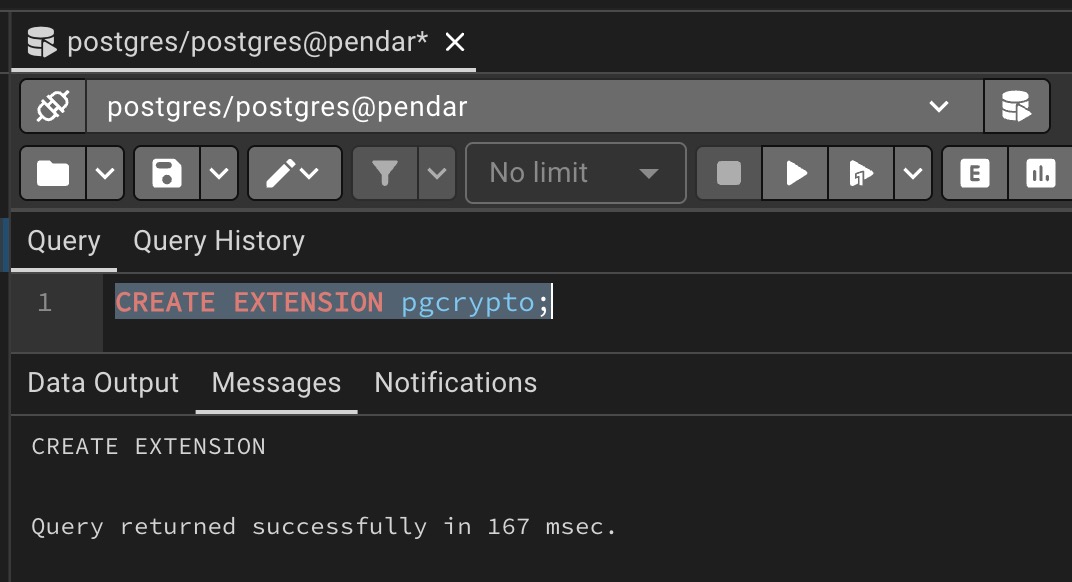
check if pgcrypto has been installed by executing following sql query
CREATE EXTENSION pgcrypto;
its should return “CREATE EXTENSION” if its already installed as shown in image below
if its not installed yet, then install pgcrypto by executing following command in debian/ubuntu (command might be different on other OS)
sudo apt update
sudo apt install postgresql-contrib
then restart the postgresql
sudo systemctl restart postgresql
the best way to execute the DDL is through pgadmin compared execute it directly via shell / programming language script because pgadmin offer extensive visualization and monitoring as well as its ease of use.
login ensure the user that used has sufficient privilages/permission to create or alter schema..
create the database (execute it line by line)
DROP DATABASE IF EXISTS milestoneku;
CREATE DATABASE milestoneku;
execute those the drop command
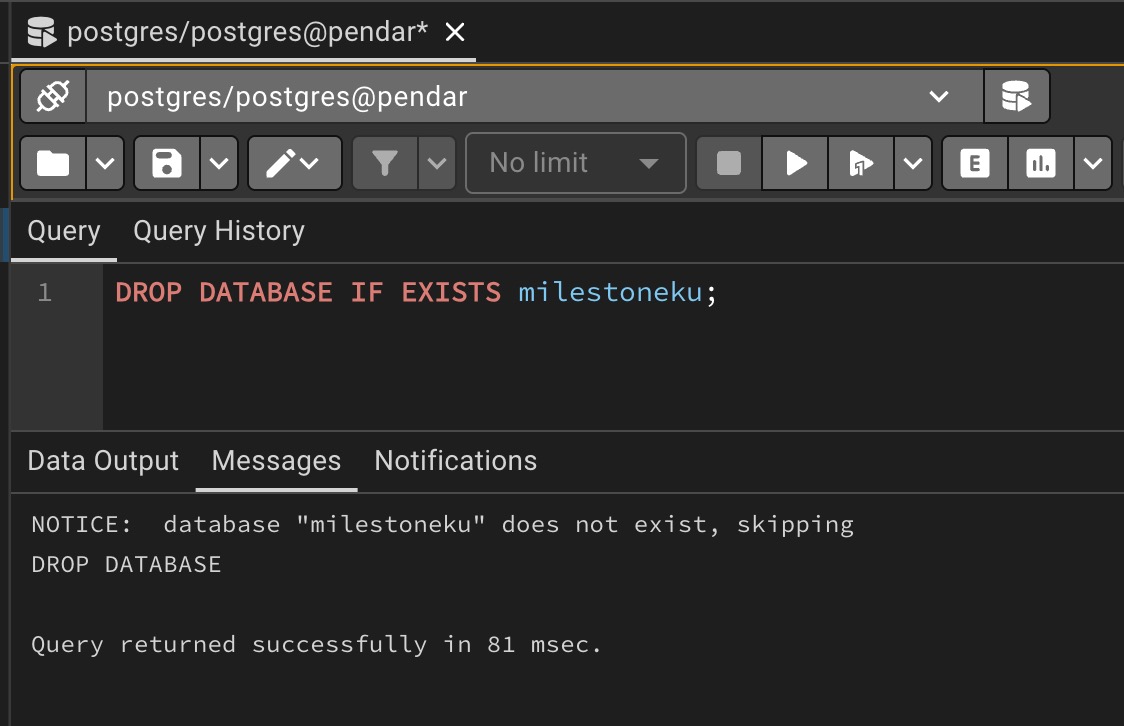 Database is dropped if only if it was existed before
create the database
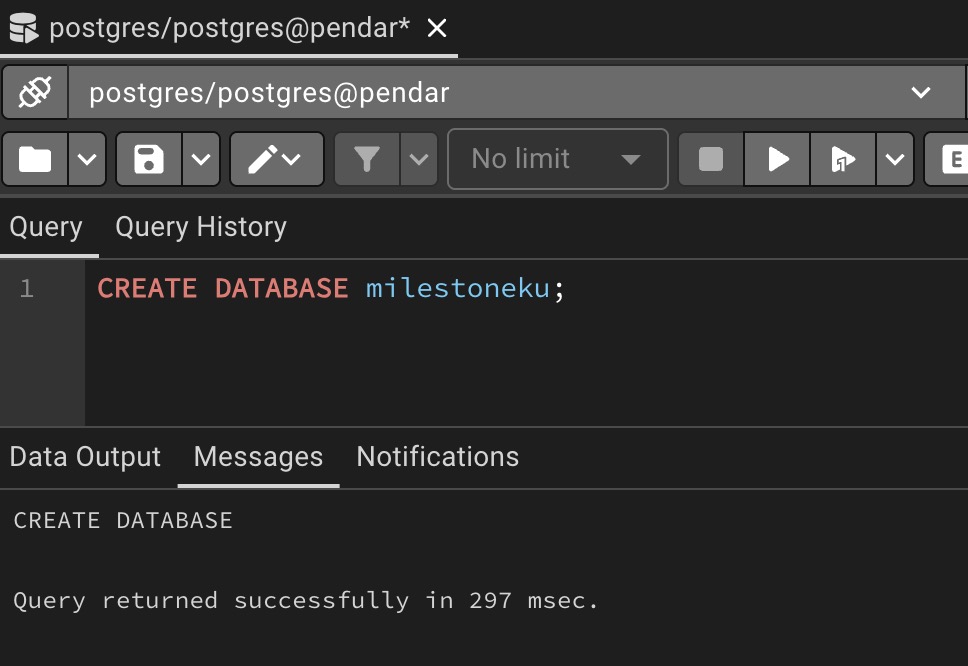 Databse is successfully created
activate the database manually using pgadmin and then execute the DDL.
CREATE EXTENSION pgcrypto;

CREATE TABLE IF NOT EXISTS roles (
    role_id UUID PRIMARY KEY DEFAULT gen_random_uuid(),
    role_name VARCHAR(100) NOT NULL,
    role_description VARCHAR(255)
);
TRUNCATE TABLE roles CASCADE;

CREATE TABLE IF NOT EXISTS users (
    user_id UUID PRIMARY KEY DEFAULT gen_random_uuid(),
    user_nickname VARCHAR(100) NOT NULL,
    user_email VARCHAR(255) NOT NULL UNIQUE,
    role_id UUID NOT NULL,

    CONSTRAINT fk_role
        FOREIGN KEY (role_id)
        REFERENCES roles(role_id)
        ON UPDATE RESTRICT
        ON DELETE RESTRICT
);
TRUNCATE TABLE users CASCADE;
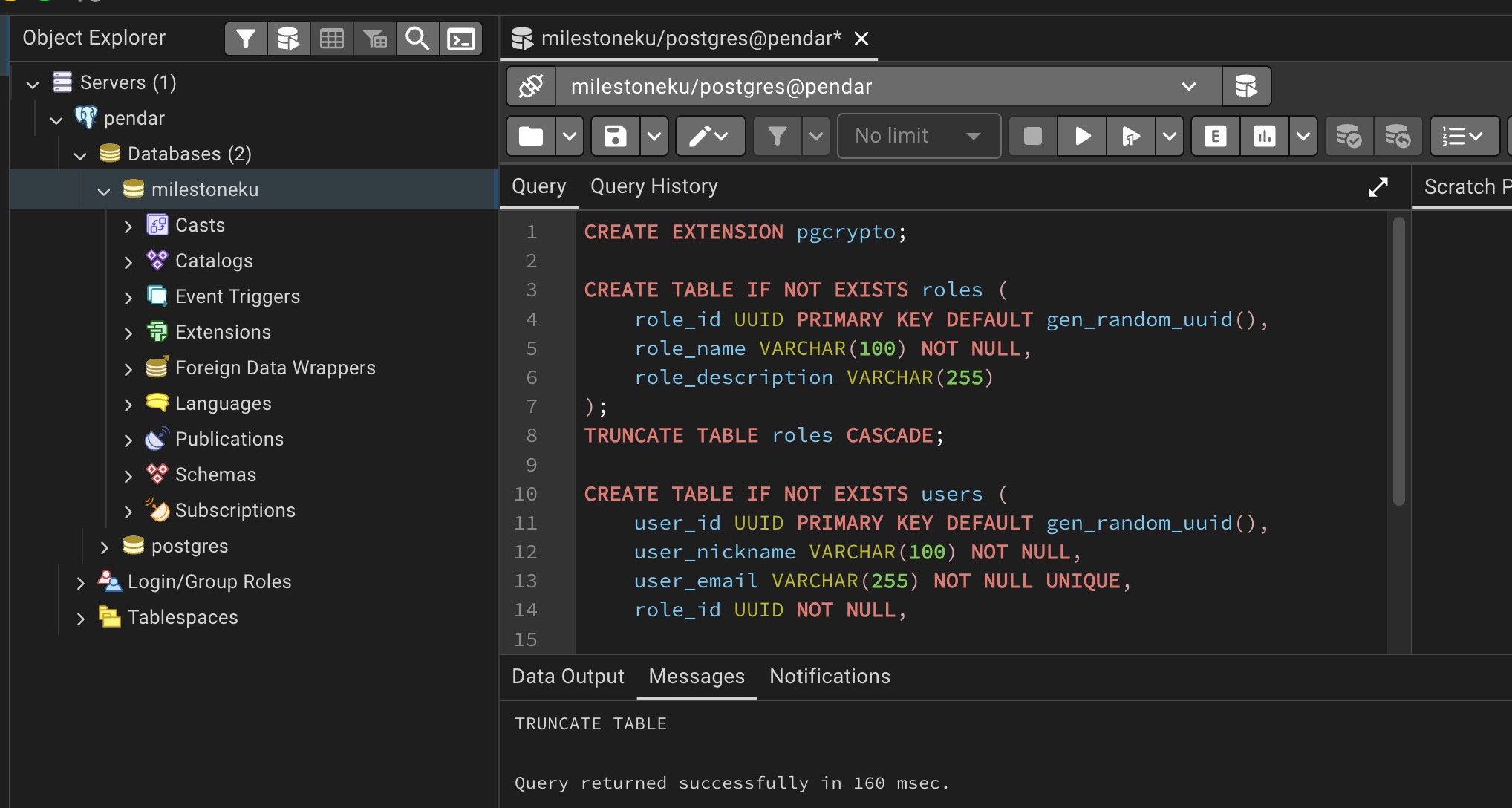
Execute the table creation